
Case Field Layout Module
This module allows administrators to adjust the visibility and order of default fields for OpenCaseTracker cases.
Version 1.0
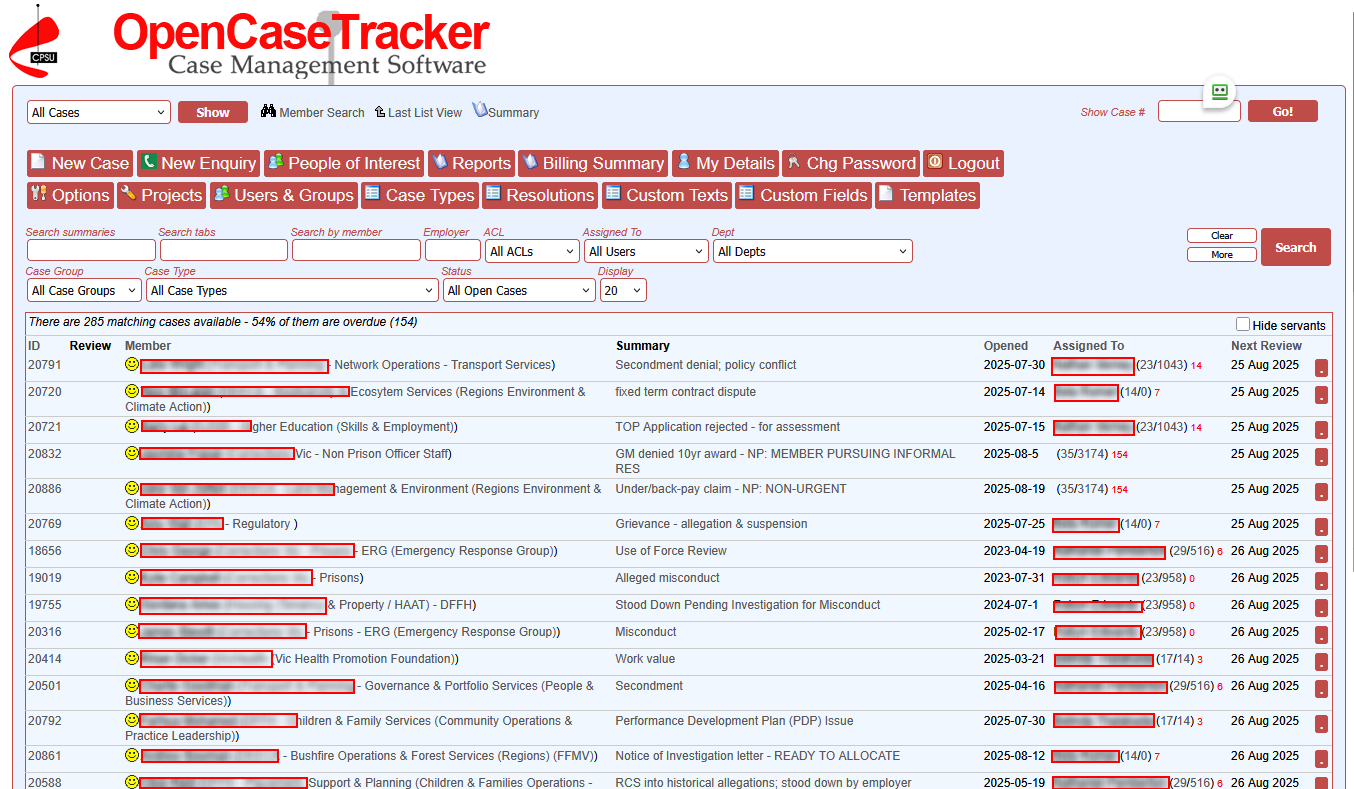
Case management software for industrial relations, employment law and HR teams. OpenCaseTracker helps unions, employers and workplace investigators manage cases, documents, communications and workflows from first contact through to resolution.
OpenCaseTracker helps industrial relations and HR professionals manage complex workplace matters with confidence. From grievances and disciplinary matters through to investigations, disputes and member representation, every case is organised in a secure, searchable workspace.
Automated workflows, document management, correspondence, reminders, reporting and audit trails keep your team focused on resolving cases rather than managing paperwork. Proven in production for over 20 years, OpenCaseTracker is trusted by unions, government agencies and major organisations across Australia to support consistent, accountable case management.
More About OpenCaseTracker OpenCaseTracker Installation Options
Why it's a good time to update your OpenCaseTracker
New features and Bug Fixes OpenCaseTracker: The Next Chapter
This module allows administrators to adjust the visibility and order of default fields for OpenCaseTracker cases.
Version 1.0
OpenCaseTracker is a proven workplace case management system for employee relations, investigations, complaints and other people-centred workflows.
Version V2.2026.39
What are Case Type Groups?
Case Type Groups are functional groupings of individual case types. They provide a way for an OpenCaseTracker installation to group multiple case types together - specifically for reporting purposes.
Example:
You may have a number of different case types that relate to payment of wages - for example "Underpayment of wages", and "Overpayment of wages". For individual cases, and for detailed reports, it's important to be able to distinguish between those two quite different, but related, case types.
However, when reporting on the different types of cases your organisation is handling, you may want to be able to have a bigger-picture perspective; you might want to know how many "Payment of wages" types of cases you have - regardless of whether they are underpayments or overpayments. A Case Type Group lets you set up this meta-definition.
Case Type Groups allows you to build a definition of what types of cases are "Payment of wages" cases, and then be able to report on those grouped case types - in addition to being able to report on the more specific case type.
Case Type Groups aren't an extra field that users have to assign to a case - they are an implied field. An administrator sets up the grouping, and then whenever a user sets a case type to one of those in that group, the Case Type Group will be automatically set.
How do I set up a Case Type Group?
Log in to OpenCaseTracker using an administrator login, and select the "Case Types" button.
Above the list of different case types, click on the "Case Type Groups" link.
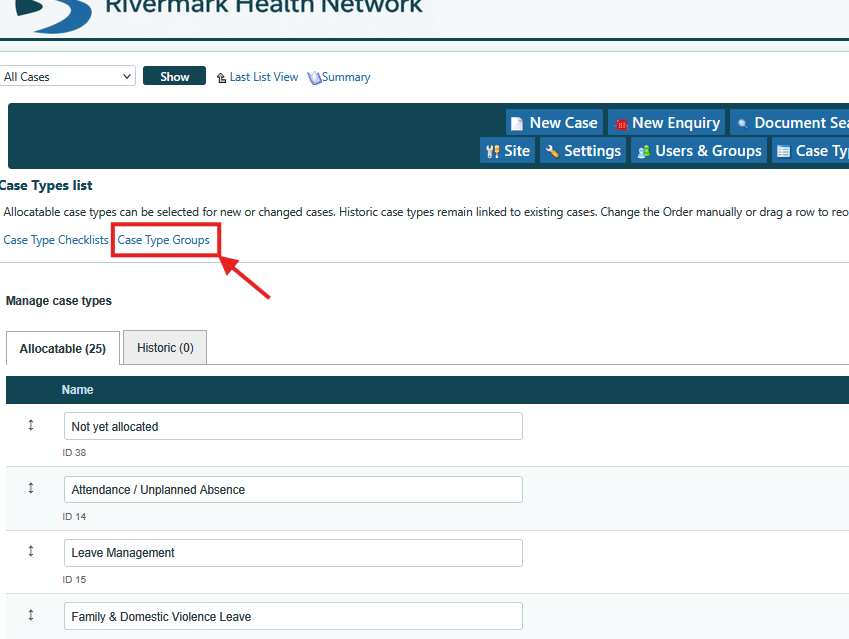
Now you can start to create different case type groups.
The first time you use this function there won't be any case type groups defined. To create your first one, click on the "Add new" button at the top right of this page.
Give your new case type group a simple, descriptive name and then click the "Add new" button.
Now your new case type group will be listed on the page.
Next you'll need to add different existing case types to this new group.
Use the selector to choose one of the currently unassigned case types to your group. This selector only shows case types which haven't been assigned to any other case type group yet. Once you've chosen the case type to add, click the "Add" button below the selector.
And that's it. You don't have to assign every case type to a case type group, but it's a good idea to do this if you want to use Case Type Groups in your reporting.
Register for additional product knowledge, or contact Aptigence to discuss implementation, extensions, and support.